Enablement Hub goes live across Automattic's business units
Helping Automattic's sales and partner teams find the right asset for every audience, across 6 business units.
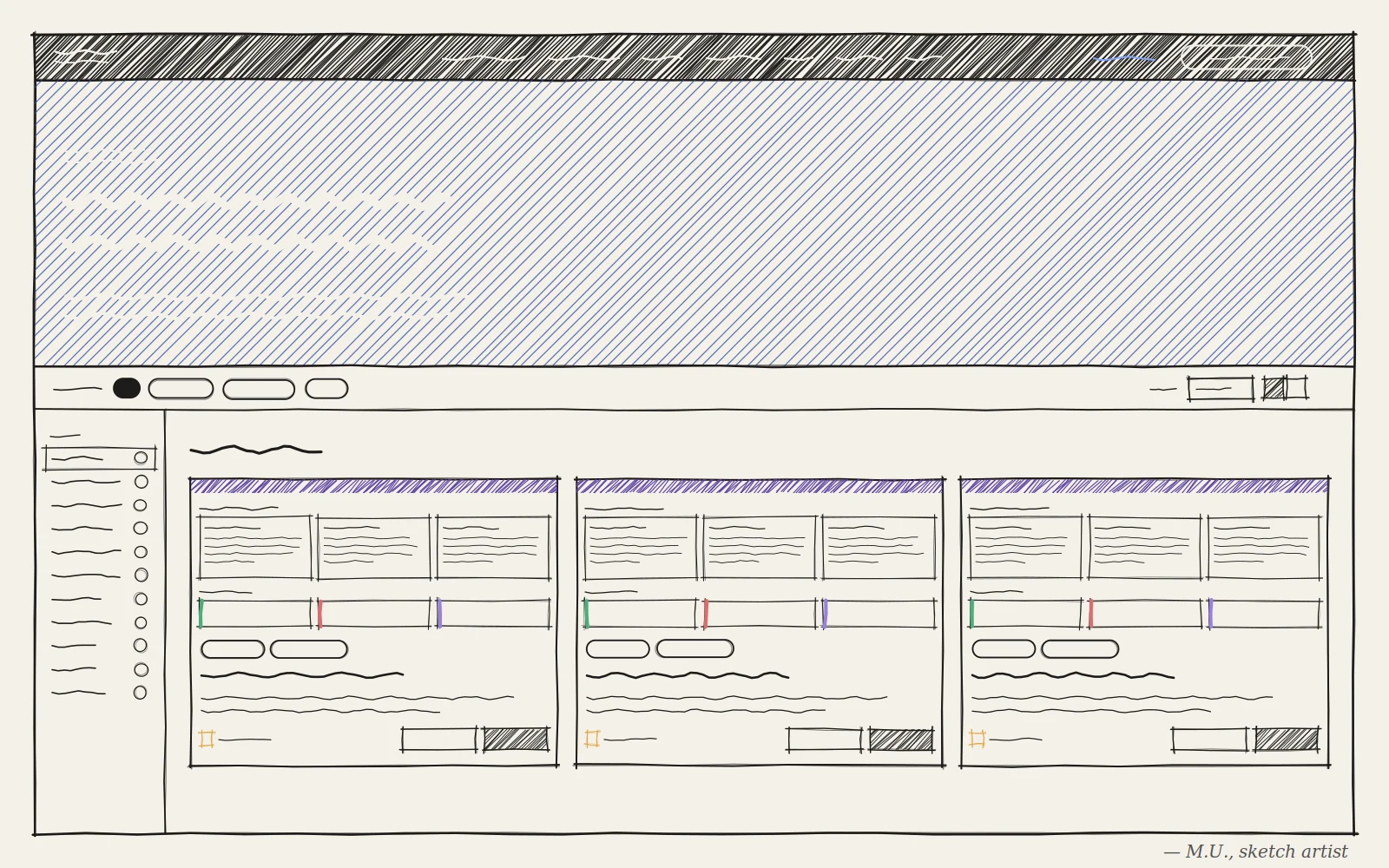
Automattic’s sales and partner teams had the content they needed to win clients: pitch decks, one-pagers, battle cards. But it was scattered across Google Drive folders, Slack threads, and internal blogs, with no way to tell whether a file was current or meant for a client. As the UX Engineer on a three-person team, I owned the hub end to end, from information architecture through production code, in four weeks of build time.
The outcome
Launched with 6 business units, now 8, and in use across 7+ countries within its first 12 weeks.
- 120+ people using it in the first 12 weeks
- 650+ click-throughs to source content
- 145 files downloaded
The problem
The content existed. No one could find it.
Every search started the same way: dig through Drive, ask a colleague, and hope the file was current. Even with the right file in hand, there was no way to tell whether it was meant for a client or for internal eyes only. So audience became a core filter: Agency-Facing, Customer-Facing, and Internal.
The key decision
Link out instead of migrating. The content already lived in Google Drive, where teams maintained it. Migrating it would have created duplicate copies that drift out of date. Instead, the hub stores only metadata (title, business unit, content type, audience, link) and points to the source, so every click lands on the latest version, and content managers can update entries without touching code.
Why: the simplest architecture was the one that respected how teams already worked.
Want the full story? The full meal covers the per-BU structure, the plugin-to-native-theme rebuild, the thumbnail pushback, and what I’d do differently.